About Latency
Latency is the delay between playing a note and your bandmates hearing it. Under about 25 milliseconds feels like sharing a room; much beyond that and everyone starts drifting apart.
Where latency comes from
1.
Your Internet Connection
High bandwidth is not the same as low latency. JackTrip works best with Fiber Internet, which uses cables made out of glass to provide 4 to 10 times lower latency than anything else. Find fiber providers near you (U.S.).
Test Your Connection
This opens a new tab to run a test from LibreQoS. Shoot for a Gaming rating of “Excellent.”
2.
Your Physical Location
The speed of light limits the distance performers can play together, even with the most optimal setups. People residing within one of these geographical regions will likely experience the best results.

3.
Your Audio Interface
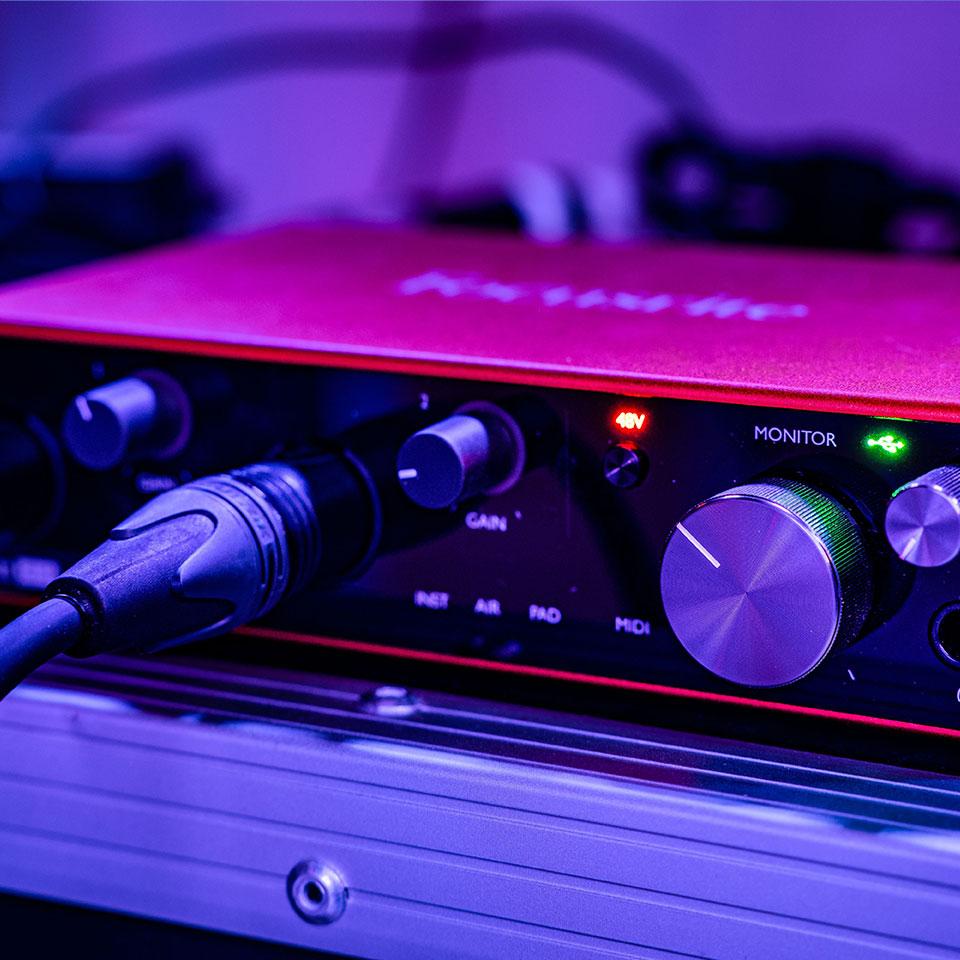
Most audio hardware built into computers is too slow to provide low latency results. Upgrading to a new external USB/Thunderbolt audio interface will often provide far better audio latency and quality. Additionally, Windows requires the use of ASIO drivers, which are offered by manufacturers of good external interfaces.
4.
Your Other Gear (No Wireless!)
When it comes to audio latency and quality, your microphone, headphones, and home networking all matter. Plug into ethernet and use wired headphones because all wireless technologies (Wi-Fi, 5g, network extenders, wireless headphones, etc.) introduce high latency and jitter and will not work well.

Want to go deeper?
Learn More About LatencyReady to hear the difference?
Start your free membership